

Latest Version
KDE
Security
Linux
Free
org.kde.isoimagewriter
Report a Problem
More About ISO Image Writer
Creating a bootable USB drive on Linux can often feel like a gamble, especially when command-line utilities risk overwriting the wrong drive. The
Streamlined USB Flashing for Linux Users
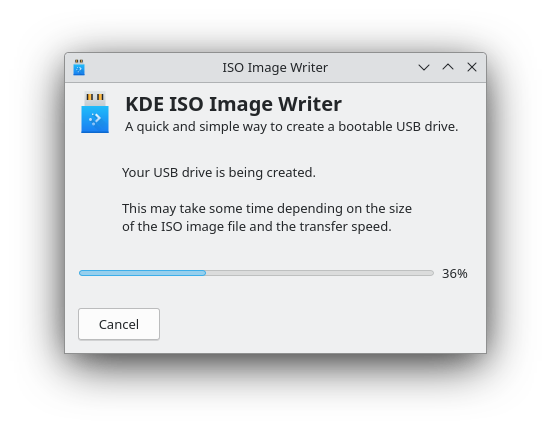
Developed by the respected KDE community, the ISO Image Writer USB creation tool is designed with security and simplicity in mind. Unlike generic command-line dd commands that can accidentally wipe your primary operating system, this utility guides you visually through the entire process, minimizing human error.
Key Features & Capabilities
- Targeted Drive Selection: The application intelligently identifies removable USB drives, preventing accidental selection of your internal storage.
- Verifiable Integrity: It helps verify the authenticity of your ISO image, ensuring you only flash clean, uncorrupted files.
- Seamless Desktop Integration: Built to match modern desktop environments, it offers a clean, distraction-free interface.
Who Is This Tool For?
This software is an essential utility for system administrators, Linux enthusiasts, and everyday users who frequently test new distributions or need a dependable recovery drive. Because it is categorized under security, its design prioritizes data safety and system protection during the flashing process.
Get Started Safely
If you are looking for a trustworthy, open-source utility to handle your bootable media needs, this tool is an excellent choice. To install it on your system, head over to the official Flathub store page to get the verified package directly from the developers.
Rate the App
User Reviews







Popular Apps










Editor's Choice